 Cellsound
Place your Point of Audio
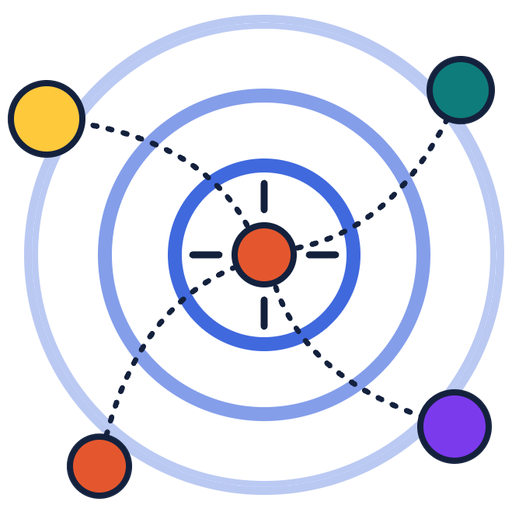
The Point of Audio is where you stand to listen. Each cluster keeps its own tone. Faster clusters pulse faster.
Checking the calibration from upload.
Move the Point of Audio
Nudge it with the arrow buttons or type an exact spot. Every move is read aloud.
Loading the first frame.
First frame
Nudge it
Or type an exact spot
Analysis settings
Tones and pulses
Each cluster has its own tone, so you can tell groups apart the way you tell tones apart on a hearing test.
Faster pulses mean faster motion. Slow clusters tap more slowly. The tone itself stays that cluster's note. Toward or away from the Point of Audio bends the pitch.
Chunks are spatial neighborhoods (fixed-radius circles around each chunk center). More clusters means more neighborhoods across the field.